

Notion vs ClickUp vs Obsidian — Which Productivity App Wins in 2026?
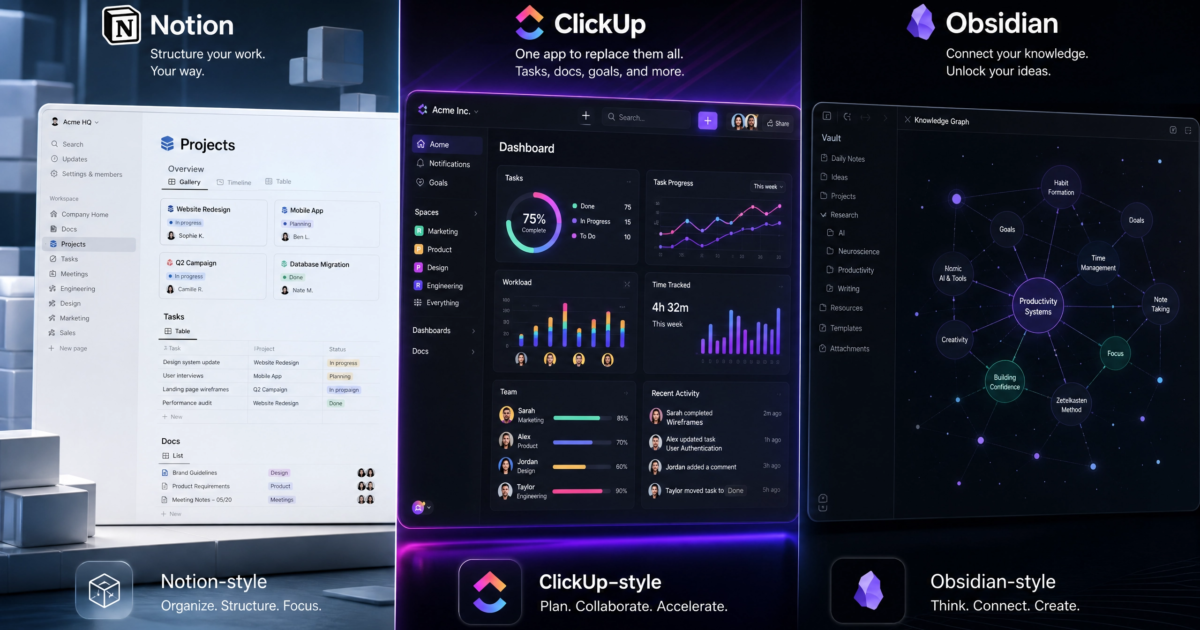
The productivity software landscape has evolved dramatically. What used to be a simple choice between a to-do list and a digital notebook has transformed into a complex decision involving AI agents, local-first architectures, and enterprise-grade project management suites. In 2026, the market is dominated by three distinct philosophies, championed by three heavyweights: **Notion**, **ClickUp**, and **Obsidian**.
Choosing the right tool is no longer just about aesthetics; it is a strategic decision that impacts how you or your team operates daily. A wrong choice can lead to fragmented data, wasted subscription fees, and hours lost to migration. This comprehensive guide breaks down the 2026 iterations of Notion, ClickUp, and Obsidian, analyzing their core architectures, performance metrics, AI capabilities, and pricing to help you determine which app truly wins for your specific needs.
1. The Core Philosophies: How They Think
Before diving into feature lists, it is crucial to understand the fundamental architecture of each platform. The way these apps are built dictates how you will interact with them.
Notion: The Document-First Workspace
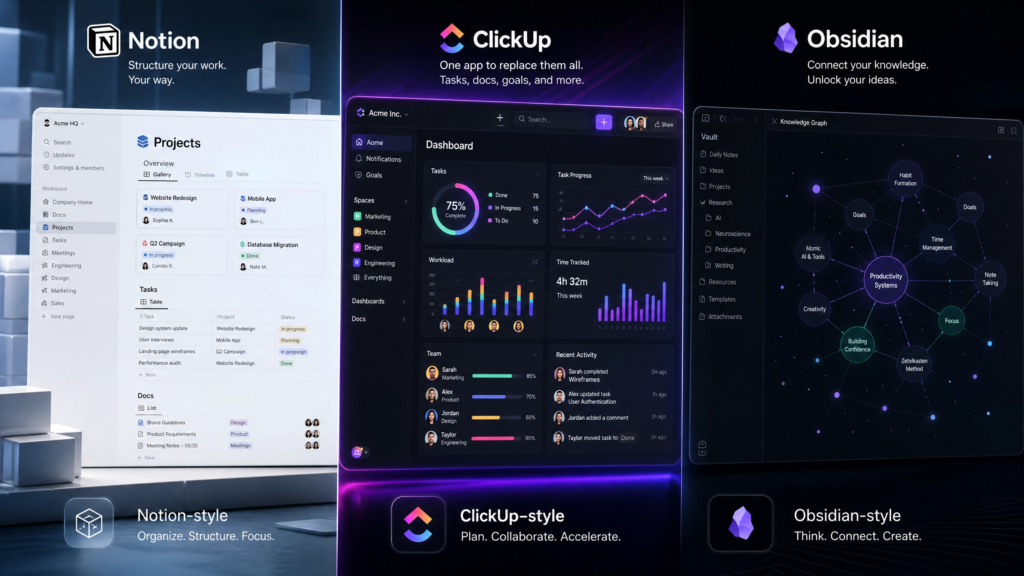
Notion operates on a “document-first” philosophy. Everything in Notion is a page, and every page is composed of modular blocks. These blocks can be text, images, or, most importantly, databases. This structure allows for unparalleled flexibility. You can build a simple reading list or a complex company wiki interconnected with relational databases. In 2026, Notion has solidified its position as the ultimate collaborative workspace, heavily integrating AI to assist in writing, summarizing, and organizing these blocks [1]. It is where teams go to *think* and document.
ClickUp: The Task-First Engine
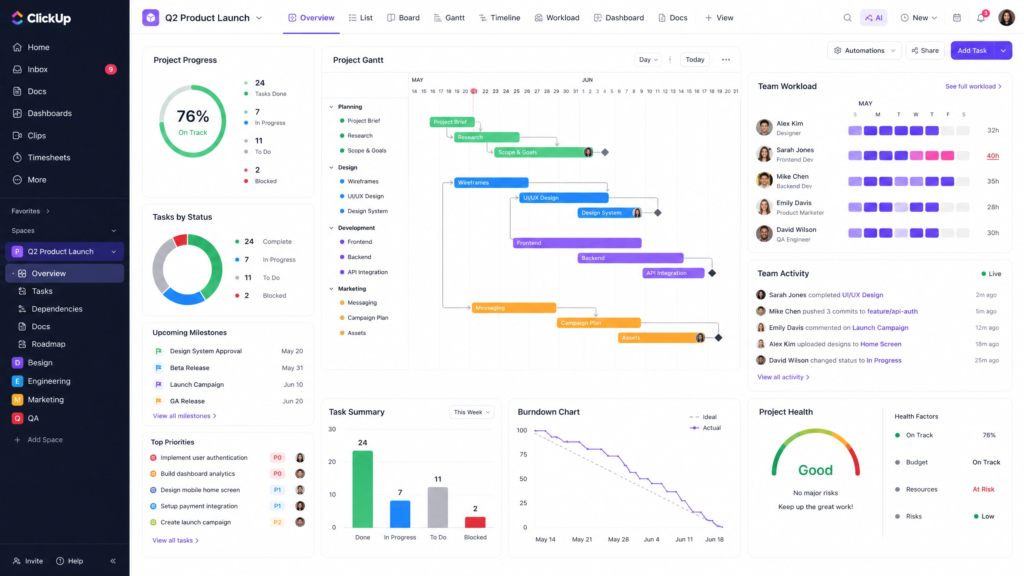
ClickUp, particularly with its massive 4.0 update, is built around execution. It is a “task-first” platform. Work is structured hierarchically: Spaces, Folders, Lists, and Tasks. While ClickUp offers Docs and Whiteboards, they are ultimately subservient to the goal of getting things done. ClickUp boasts over 15 native views, including Gantt charts, Workload management, and Timelines, making it a powerhouse for project managers who need to track dependencies and resource allocation [1]. It is where teams go to *execute*.
Obsidian: The Local-First Knowledge Graph
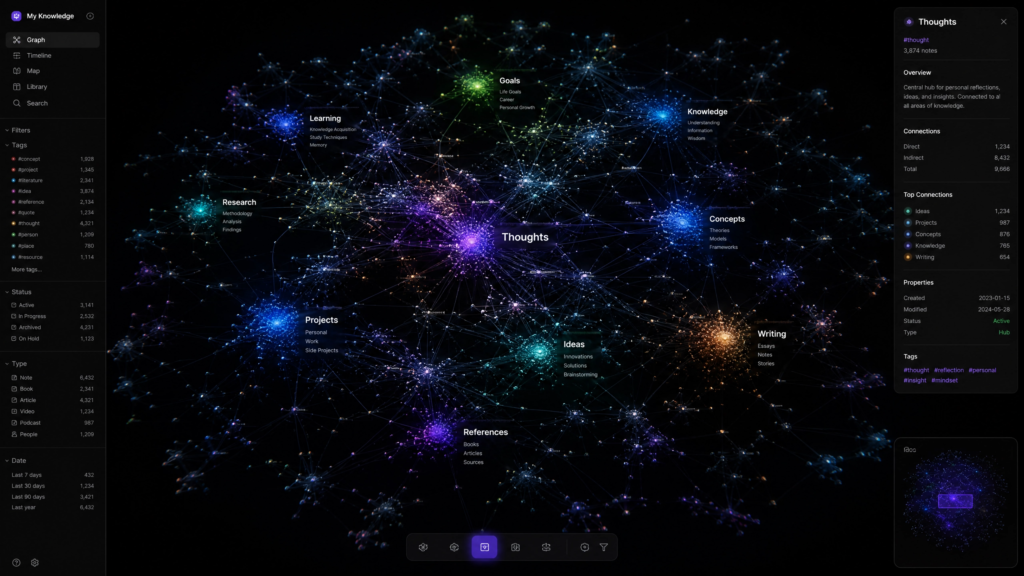
Obsidian rejects the cloud-first SaaS model entirely. It is a “local-first” application that operates on a folder of plain text Markdown files stored directly on your hard drive. This means you own your data completely. Obsidian’s defining feature is its ability to link these text files bidirectionally, creating a visual “Knowledge Graph” of your thoughts. It is designed for Personal Knowledge Management (PKM), favored by researchers, writers, and developers who prioritize speed, privacy, and longevity over real-time team collaboration [2]. It is where individuals go to *connect ideas*.
2. Performance and Speed Benchmarks
In 2026, tolerance for sluggish software is at an all-time low. The architectural differences between the three apps result in vastly different performance profiles.
**Obsidian** is the undisputed king of speed. Because it reads local text files, it bypasses network latency entirely. Independent benchmarks in early 2026 show that Obsidian can load a vault of 10,000 notes in under 2 seconds on a modern SSD [2]. Search queries across thousands of files return results in fractions of a second. For power users who open their workspace dozens of times a day, this zero-latency experience is a massive productivity booster.
**Notion** has made significant strides with its 3.4 update in early 2026, improving page load times by 60% [2]. However, it remains a cloud-based Electron app. Loading a complex database with 50 linked items takes roughly 1.1 seconds on a stable connection [1]. While perfectly acceptable for most users, it cannot match the instantaneous feel of Obsidian. Notion’s offline mode has improved, allowing full editing that syncs upon reconnection, but it still relies heavily on the cloud.
**ClickUp** has historically struggled with performance bloat due to its massive feature set. However, the ClickUp 4.0 architecture overhaul addressed many of these issues. While a standard task list might take 1.8 seconds to load, ClickUp excels at rendering complex, data-heavy views. For instance, a Gantt chart with 5,000 tasks loads in about 2.1 seconds—a feat Notion struggles to match at scale [1]. ClickUp is optimized for heavy project data rather than rapid note-taking.
3. The AI Integration Battle
Artificial Intelligence is no longer an add-on; it is a core component of productivity software in 2026. How these platforms implement AI reveals their target audiences.
Notion AI: The Seamless Assistant
Notion AI is deeply integrated into the workspace. It acts as a first-class citizen, capable of reading your databases, summarizing meeting notes, and even autonomously building project plans from natural language prompts [2]. Because Notion holds your company’s documentation, its AI can answer contextual questions like, “What were the key takeaways from last week’s marketing sync?” It is polished, requires zero setup, and is designed to augment knowledge workers seamlessly.

ClickUp Brain: The Operational Optimizer
ClickUp Brain focuses on operational efficiency. It is less about writing prose and more about managing work. It can automatically generate subtasks, summarize long comment threads on a task, and provide daily stand-up reports based on team activity. In ClickUp 4.0, the AI is tied directly into the new converged Workspace, helping users prioritize their “My Tasks” view and schedule their day optimally [3]. It is an AI built for project managers.
Obsidian: The Bring-Your-Own-AI Approach
Obsidian does not have a native AI. Instead, it relies on its robust community of over 2,500 plugins [2]. Users can install plugins like “Smart Connections” or “AI Assistant” and plug in their own API keys (from OpenAI, Anthropic, or even local models via Ollama). This approach requires technical setup and maintenance, but it offers ultimate control and privacy. You can run an LLM entirely locally on your machine, ensuring your private journal entries never touch a corporate server.
4. Collaboration and Team Dynamics
If you are working solo, your needs are vastly different than if you are managing a team of fifty.
**ClickUp** is the undisputed champion of structured team collaboration. It offers granular Role-Based Access Control (RBAC), native time tracking (a massive cost-saver for agencies), and workload management views that let managers see exactly who is over capacity [1]. The 4.0 update introduced a converged Chat sidebar, attempting to replace Slack by keeping task-based communication directly alongside the work [3].
**Notion** excels at asynchronous collaboration and knowledge sharing. Its real-time multiplayer editing is flawless, making it the go-to tool for co-authoring documents or building company wikis. However, for strict project management, it lacks native features like built-in time tracking or advanced dependency management, often requiring teams to build complex database workarounds or integrate third-party tools [1].
**Obsidian** is fundamentally a single-player experience. While the 1.8 update in 2026 finally introduced end-to-end encrypted real-time collaboration via their paid Sync service [2], it is still not designed for enterprise-scale team management. There are no task assignments, no user roles, and no dashboards. It remains a tool for individual thought, even if you can now share a vault with a colleague.
5. Pricing: The True Cost of Ownership
Sticker price rarely reflects the total cost of ownership, especially when factoring in necessary add-ons.
| Platform | Base Paid Tier (Annual) | AI Add-on | Best For |
|---|---|---|---|
| ClickUp | $7 / user / month | Included in paid | Agencies, PMs, large teams |
| Notion | $10 / user / month | $10 / user / month | Startups, knowledge workers |
| Obsidian | $0 (Free for personal) | Free (via plugins) | Solo researchers, developers |
**ClickUp** offers the most aggressive pricing for teams. At $7 per user/month for the Unlimited tier, it includes native time tracking and AI features. For a 10-person team, ClickUp is roughly 30% cheaper annually than Notion, before even factoring in the cost of Notion’s AI add-on [1].
**Notion** starts at $10 per user/month, but the AI features require an additional $10 per user/month [1, 2]. While more expensive, Notion’s free tier is incredibly generous for solo users, offering unlimited pages and blocks.
**Obsidian** is completely free for personal use. The only costs arise if you want their official Sync service ($5/month) or Publish service ($20/month) [2]. For a solo developer or student, Obsidian offers maximum power at zero cost.
6. The Final Verdict: Which App Wins in 2026?
There is no objective “best” app; there is only the best app for your specific operational style. Here is the 2026 verdict:
**Choose ClickUp if:** You manage a team, track billable hours, rely on Gantt charts, and need to ensure strict accountability. ClickUp wins the **Project Management** category by offering an all-in-one execution engine that saves money on third-party integrations.
**Choose Notion if:** You are building a company wiki, managing a startup, or need a highly flexible workspace that blends documents with databases. Notion wins the **Team Knowledge Management** category with its beautiful UI, seamless AI integration, and unparalleled flexibility.
**Choose Obsidian if:** You are a solo researcher, writer, or developer who values speed, privacy, and data ownership above all else. Obsidian wins the **Personal Knowledge Management (PKM)** category by providing a lightning-fast, local-first environment that scales infinitely without subscription fees.
In 2026, the smartest productivity strategy isn’t finding one app to do everything perfectly—it’s understanding exactly what problem you are trying to solve and choosing the specialized architecture built to solve it.
References